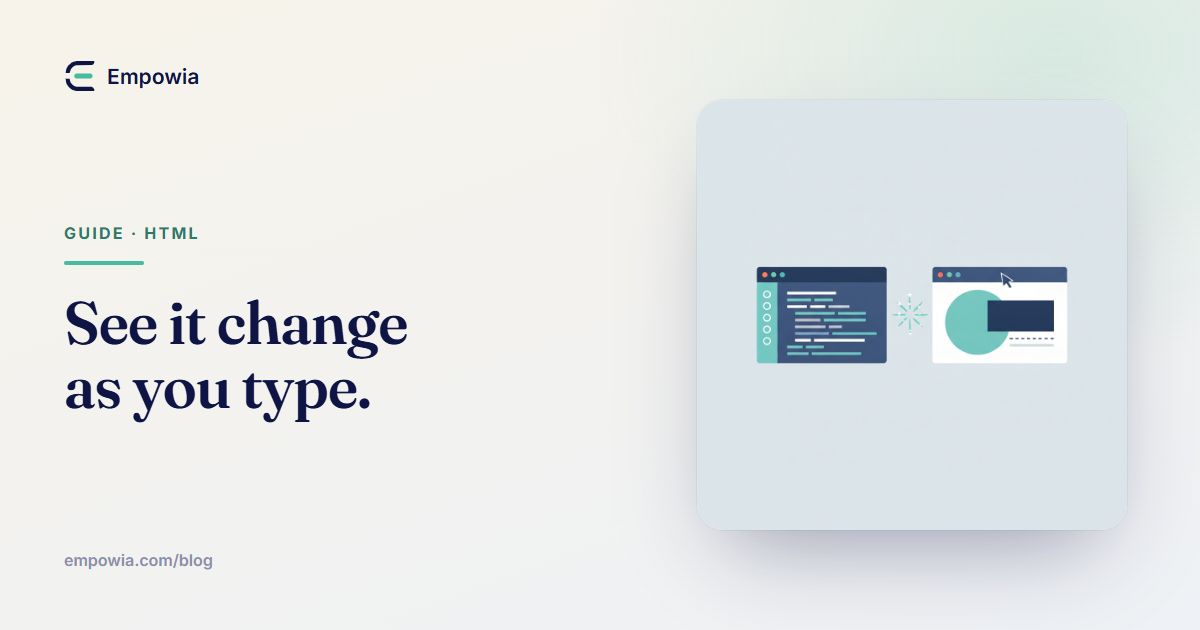
How to Preview HTML Changes in Real Time
Stop the save-switch-refresh loop. How live preview shows HTML changes as you type, lets you click the preview to find the matching code, and helps you check the page at phone width.
Practical guides to editing HTML by hand — including the pages ChatGPT and Claude generate — without touching the code or uploading a thing.
Stop the save-switch-refresh loop. How live preview shows HTML changes as you type, lets you click the preview to find the matching code, and helps you check the page at phone width.
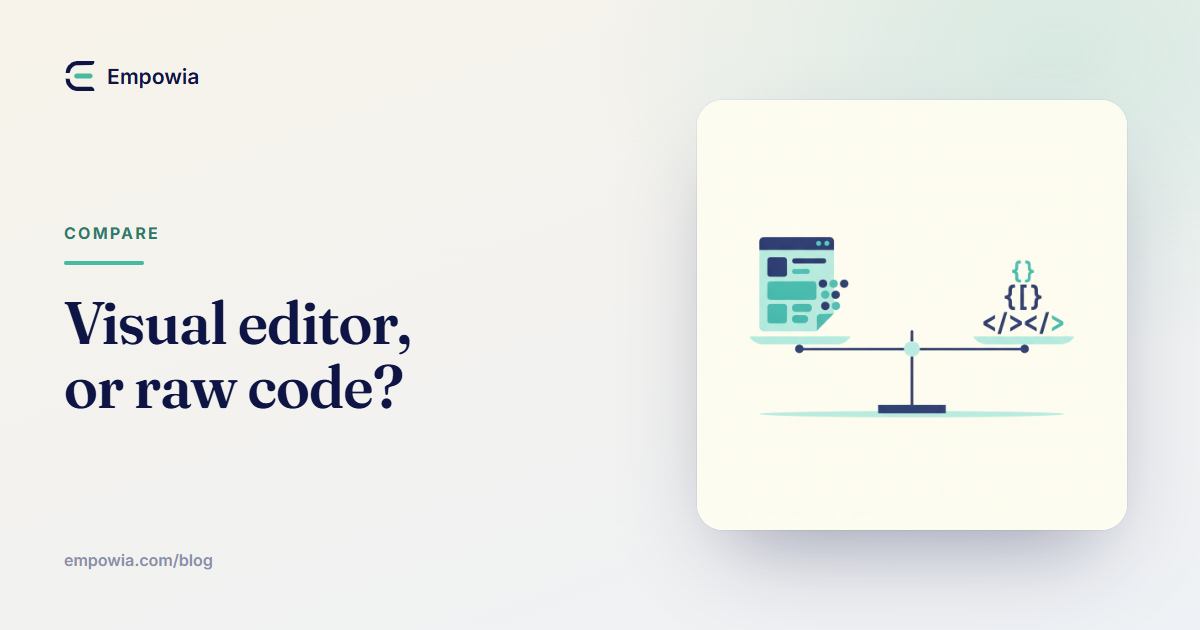
Neither WYSIWYG nor a code editor wins for editing HTML — it depends on the task. A by-task guide to when to use each, and the case for a tool that keeps both in sync.
How to edit an HTML file with no connection — the two real offline options, and the one-time-internet caveat of a single editor file you download and keep.
Yes, you can edit an HTML file online without uploading it — how a client-side editor keeps your file in the browser, and how to check any tool in the Network tab before you trust it with something private.
"A website Claude made" means three different things — a re-openable artifact, a single .html file, or a Claude Code project. Which one you have decides how you edit it.
Your HTML edit saved fine but the page still looks identical? The usual causes are a browser cache, a wrong file, a .html.txt extension, DevTools-only edits, or CSS being overridden — with the quick fix for each.
Double-clicking an .html file into Chrome only shows it, and DevTools edits vanish on refresh. Here's how to actually edit a local HTML file in your browser and save the change back to disk.
How to change text in HTML without breaking the layout — why WYSIWYG editors shift your design, what a text-only, structure-locked editing mode is, and how to rewrite copy safely on a page you already have.
Re-prompting an AI to fix one typo rewrites half your page. Here's how to open the file and change the text, link, colour, or image directly — AI for creating, a visual editor for the last-mile finish.
A visual, or WYSIWYG, HTML editor lets you open a page you already have, click the text, link or image, and change it — no tags to read, and the code underneath stays intact.
ChatGPT wrote you a whole HTML page and one small thing is wrong. Here's how to fix it in the saved file — text and code — without re-prompting for the entire page again.
The best free HTML editors, compared fairly — where W3Schools, PlayCode, HTML-Online, CoffeeCup, Pinegrow, and HTML Tweak each genuinely win.
Four ways to edit an HTML file — code, a desktop program, an online editor, or a simple visual tool — with the trade-offs and the easiest pick for non-coders.