Personal Slack Archive vs Enterprise Slack Backup
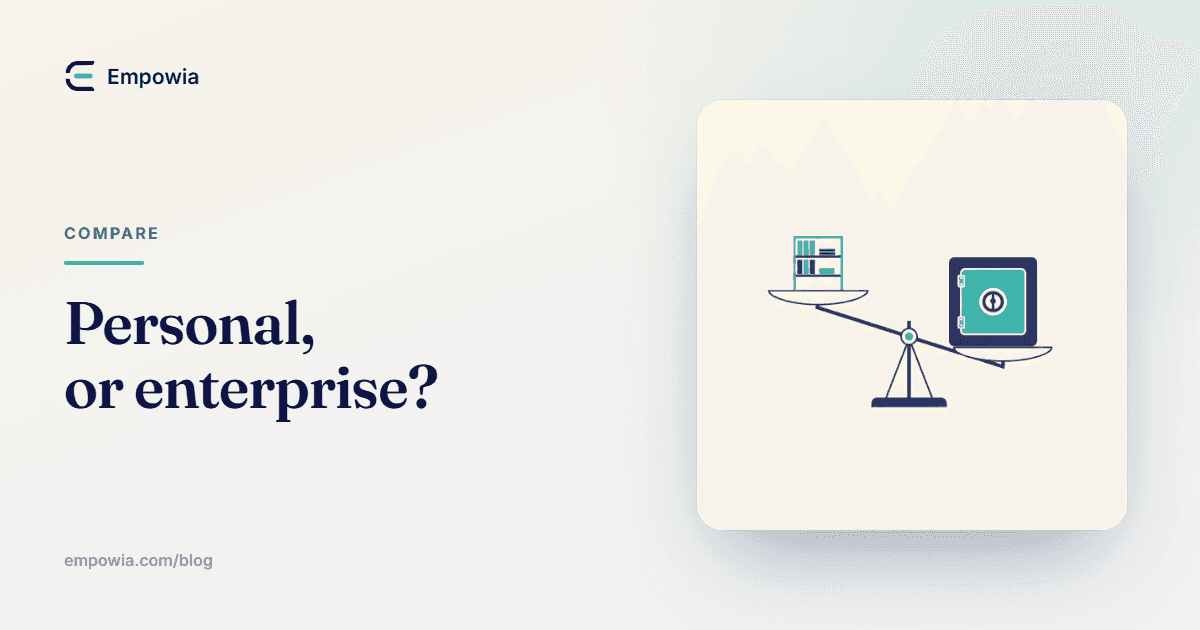
Two very different jobs get sold under the words "Slack backup." One keeps your own conversations searchable on your machine; the other guards a whole company. One question tells you which you actually need.
The maker behind Empowia
Quick answer
A personal Slack archive is a searchable local copy of the conversations your own account can reach, kept on your computer for retention and later search — built for individuals, freelancers and small teams, with no admin required. Enterprise Slack backup is org-wide, cloud-based and admin-controlled, built for disaster recovery, legal hold and restoring messages back into Slack. They're different jobs, and most individuals never need the enterprise one.
Key takeaways
- An archive and a backup are not the same job — an archive keeps a readable, searchable copy for you; enterprise backup exists to restore messages back into Slack and satisfy compliance for a whole organization.
- A personal archive covers only what your account can already see (your channels, private channels, DMs and files) and lives on your own computer; enterprise backup covers everyone in the workspace and lives in a vendor's cloud under an admin.
- A personal archive cannot do disaster recovery or legal hold and does not push messages back into Slack — if that's your requirement, you need an enterprise service (e.g. SysCloud), not a personal tool.
- Empowia for Slack is squarely a personal archive — Windows 10/11, local, no admin, BYOK AI, free up to 20 conversations then a one-time purchase around €19.90 — and it is not built for legal hold, compliance or disaster recovery.
- For a freelancer or a small team, a personal local archive is almost always the right and cheaper answer; enterprise backup is for companies that must guarantee recovery and retention across every account.
Two products get sold under the same two words, and they solve completely different problems. One keeps a searchable copy of the conversations you can reach, on your own machine, so you stop losing them. The other guards a whole company's Slack — org-wide, in the cloud, run by an admin — so IT can prove what was said and put messages back after something breaks. Same phrase. Different planets.
And people shopping for the first one keep walking into the second. You search "Slack backup," you land on a page selling per-seat subscriptions and a compliance dashboard, and you come away thinking that keeping your own Slack is a corporate-budget thing you can't have. It isn't. So let me split the two apart before you buy the wrong one.
the short version
- A personal Slack archive is a local, searchable copy of the channels, private channels, DMs and files your account can already open. It's for keeping your own history and finding things in it later. Built for a person, a freelancer, a small team. No admin, no cloud.
- Enterprise Slack backup is org-wide, cloud-based and admin-controlled. It's for disaster recovery, legal hold and restoring messages back into Slack after they're gone. Built for a company, bought by IT.
If you read only that far, you already have the answer most of the time. The rest of this is me showing the work.
what each one was actually built to do
An archive answers a personal question. Where did that thread go, and can I still read it? You keep a copy because Slack's free plan hides old messages, or because you're leaving a workspace, or because you just want your own record you can search without scrolling forever. The copy is for you, it sits on your disk, and nobody has to grant you anything — you're only saving what you can already see.
Enterprise backup answers a company's question. If a channel gets wiped, a laptop dies, or a lawyer sends a request, can we get everything back and prove it? That's a different beast. It runs across every account whether those people know it or not, it stores in a vendor's cloud on a schedule, and — this is the part personal tools don't touch — it can push messages back into Slack so the live workspace is whole again. Retention rules, legal hold, an admin console. It's insurance for an organization, not a shelf for your own stuff.
The trap is that both get called "backup," so the shopping feels like one decision when it's really two. Sort by the job, not the word.
the two, line by line
Facts as of 2026-08. SysCloud stands in here as one well-known example of the enterprise category, not the only one.
| Personal Slack archive | Enterprise Slack backup | |
|---|---|---|
| What it copies | Only what your account can see | Every account, org-wide |
| Where it lives | Your own computer, local | The vendor's cloud |
| Needs an admin? | No | Yes — admin-run |
| Full-text search | Yes, that's the point | Through an admin console, for recovery |
| AI over your messages | Yes, with your own key | Not what it's for |
| Restores messages into Slack | No | Yes — its main job |
| Legal hold / compliance | No | Yes |
| Who it's for | Individuals, freelancers, small teams | Whole organizations, IT and compliance |
| Price shape | One-time, small (free tier, then ~€19.90) | Per-seat cloud subscription |
Look down the two columns and you can see they barely overlap. There's no honest way to call one a cheaper version of the other. They're not the same product at two price points — they do different work, for different people, and land in different budgets.
so which is your problem?
Ask yourself one thing before anything else. Who has to be able to restore a deleted message — me, or a company?
If the answer is "a company" — if you need messages put back into a live workspace, retention you can defend in a dispute, coverage across people who aren't you — then you're in enterprise territory and a personal tool will let you down. Don't buy a personal archive and hope it stretches. It won't do disaster recovery, it won't do legal hold, and no amount of local search changes that. Go get an enterprise service like SysCloud and size it for your org.
If the answer is "just me" — you want your own conversations kept, off the free-plan clock, searchable when you need that one thing from March — then enterprise backup is a compliance platform you'll pay for and never use. What you want is a personal archive. If you're comfortable in a terminal, Slackdump does it for free. If you'd rather have search and AI without touching a command line, that's where a tool like the one I make comes in. I compare the personal options in more detail over in best Slack backup methods if you want the full field.
Small teams sit in the middle and worry they've outgrown personal but can't afford enterprise. Usually you haven't outgrown anything yet.
A handful of people each keeping a personal archive of their own conversations covers a lot, right up until someone says the word "compliance" and means it. A five-person studio archiving its own client threads is fine on personal tools. The same five people the day they sign a contract that demands guaranteed retention are not — nothing changed about the size of the team, only what they're now on the hook for.
Obligation, not headcount.
where empowia sits, and where it doesn't
Empowia for Slack is a personal archive, full stop. I'll say what it is and what it isn't so you can rule it in or out fast.
What it is — it reuses the Slack session you're already signed into and copies the channels, private channels, DMs, group DMs and files your account can reach, straight to your own computer. No admin, no tokens, no cloud middleman. On top of that copy you get instant local search and AI answers that cite the source message, running on your own API key. It's Windows 10/11 today, Mac is coming, and it's free up to 20 conversations before a one-time purchase around €19.90 lifts the cap.
What it is not — and this matters more than the feature list. Empowia is not for legal hold, compliance or disaster recovery. It does not restore messages back into Slack, it holds no org-wide admin controls, and it makes no chain-of-custody promises a lawyer would accept. It also can't recover a message Slack has already permanently deleted — it reads your live history the way the app does, so if it's gone from Slack, there's nothing left to save. If any of those are your real requirement, I'd honestly point you to the enterprise category instead of selling you mine. Wrong tool, wrong outcome, and I'd rather you not find that out the hard way.
For one person who wants their own Slack kept somewhere they control and can search — Empowia is built for exactly that, and nothing bigger.
Here's the whole decision boiled down to a single question you can answer in your head. If someone has to restore a deleted message back into Slack, or answer a legal request, that's a company's job and it needs a company's tool. If you just want your own history — the DM you half-remember, the file buried in #random, the thread that mattered — kept and searchable on a machine you own, that's the smaller shelf, and it costs about what a lunch does. Empowia for Slack is that shelf. If your answer to that one question was "just me," grab the free tier and see what a week of your own history looks like once it's finally searchable.
FAQ
What's the difference between a Slack archive and a backup?
An archive is a readable, searchable copy you keep and open outside Slack — it's about retention and finding things later. A backup, in the enterprise sense, is about recovery — automated org-wide copies an admin can restore back into Slack after an accident, plus retention for compliance. A personal archive keeps a copy for you; enterprise backup keeps a company able to recover and prove what was said.
Do individuals need enterprise Slack backup?
Almost never. Enterprise backup is priced and built for organizations that must guarantee recovery, retention and legal hold across every account, run by an admin from a cloud console. As one person you can't usually even buy it without being a workspace owner. What an individual actually needs is a personal archive of their own conversations, which needs no admin and costs a fraction as much.
Can a personal archive replace disaster recovery?
No. Disaster recovery means restoring lost messages back into a live Slack workspace so the whole team can keep working — only enterprise backup does that. A personal archive is a read-only copy you keep on your computer; it protects your access to the history, not the workspace's ability to recover. If a channel is wiped in Slack, an archive lets you still read it, but it won't put it back into Slack.
Is Empowia suitable for legal hold?
No, and I'd rather say that plainly than sell you the wrong thing. Legal hold means tamper-evident, org-wide, admin-controlled retention that a company can defend in a dispute — a compliance product's whole reason to exist. Empowia is a personal archive on your own machine with no admin controls and no chain-of-custody guarantees. If you need legal hold, use an enterprise service like SysCloud, not Empowia.
What should a freelancer or small team use?
A personal local archive. You want your own channels, DMs and files kept somewhere you control and can actually search, without paying for a compliance platform you'll never use. Slackdump does this free from the command line; Empowia does it with local search and cited AI for a one-time price. Reach for enterprise backup only if you become a company that must guarantee recovery across everyone's accounts.
Comments
Loading comments…